

Meta Description
Bought a second-hand phone or got a “new” dea l that felt too good to be true? Here’s everything you need to know about how to check if Your Phone Is Refurbished in India with real steps, insider tricks and FAQs that could save you thousands of rupees.
Main Body
The ₹15,000 Mistake Most Indians Make
Picture this you walk into a mobile shop in Nehru Place or browse through a suspiciously cheap listing on OLX and boom a brand-new-looking iPhone or Samsung Galaxy stares back at you at half the market price! Your heart says buy it, your brain says something’s off.
That gut feeling? Trust it.
India is one of the largest markets for refurbished smartphones in the world. According to industry reports, millions of refurbished phones are sold every year and a shocking number of them are passed off as brand new to unsuspecting buyers. The worst part? These phones look identical to new ones. Same box! Same accessories! Sometimes even the same smell.
So how do you protect yourself? You learn the signs and that’s exactly what this guide is for.
What Exactly Is a Refurbished Phone?
Before we get into detective mode, let’s clear the air.
A refurbished phone is a device that has been previously used, returned, repaired, or restored and then put back up for sale. Refurbished phones can come from:
Customer returns (even if barely used)
Insurance claim replacements
Defective units that were repaired
Display models from retail stores
Phones traded in during exchange offers
Now here’s the thing refurbished phones aren’t necessarily bad. Certified refurbished phones from brands like Apple, Samsung or trusted platforms like Cashify or Togofogo can actually be great value buys and The problem is when someone sells you a refurbished phone at the price of a new one or hides the fact that it’s been used.
That’s the scam! And it’s rampant in India.
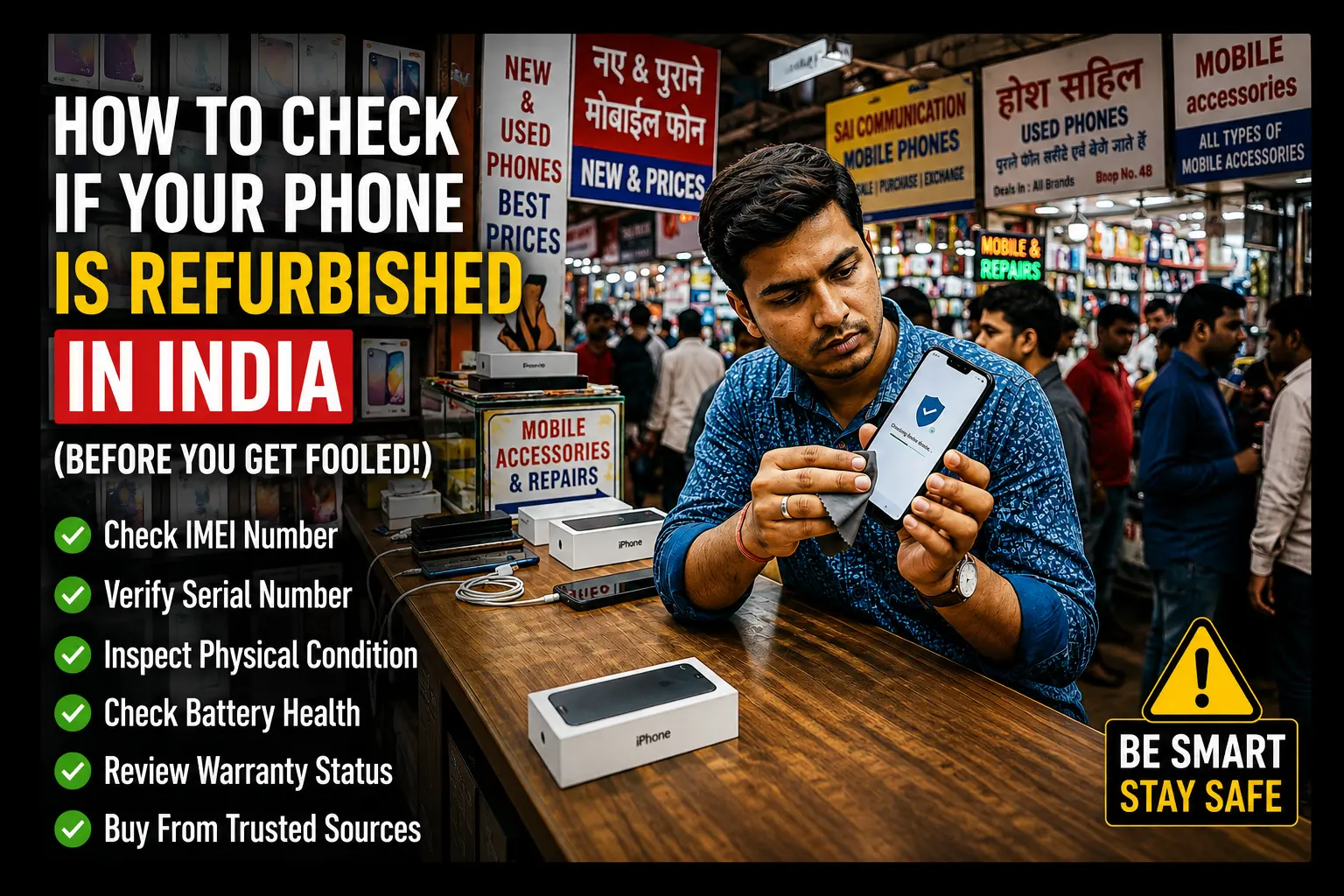
Step-by-Step: How to Check If a Phone Is Refurbished in India
Step 1 — Check the IMEI Number First (The Most Important Step)
Every phone has a unique IMEI (International Mobile Equipment Identity) number. Think of it as your phone’s Aadhaar card.
How to find it:
Dial *#06# on the phone
Check the back of the box
Go to Settings → About Phone → IMEI
Once you have the IMEI, go to these websites:
imei.info gives you manufacture date, model info, and warranty status
TRAI’s official CEIR portal — ceir.gov.in — India’s official database for blocked/lost phones
Samsung, Apple, or the brand’s official warranty check page
If the IMEI on the box doesn’t match the IMEI on the phone run! That’s a massive red flag.
Also check: Is the phone blacklisted? A blacklisted IMEI means the phone was reported stolen!CEIR will tell you this instantly.
Step 2 — Check the Manufacturing Date vs Warranty Expiry
A brand-new phone should have:
Manufacturing date: within the last 6–12 months
Warranty: full 1-year warranty remaining (for most brands)
If a phone being sold as “new” shows a manufacture date from 2 years ago with only 3 months of warranty left it’s either been sitting on a shelf (unlikely) or it’s been previously activated and used (very likely).
On Apple devices, go to checkcoverage.apple.com and enter the serial number! It’ll tell you exactly when the warranty started and when it ends and If the warranty started 8 months ago but the seller claims it’s brand new you’ve caught them.
For Samsung visit samsung.com/in/support/warranty and check using IMEI.
Step 3 — Inspect the Physical Condition Like a Pro
Refurbished phones are often polished and cleaned to look new,but your eyes can catch what hands can’t hide.
Look for these physical signs:
Micro-scratches on the screen Hold the phone at an angle under a bright light and Even light polishing leaves faint marks.
Worn-out edges or corners New phones have crisp sharp edges! Used phones show subtle rounding or paint chipping.
Misaligned screws Especially on iPhones! If the screws at the bottom look slightly stripped or scratched, the phone has been opened and repaired.
Button feel New buttons have a satisfying, firm click. Refurbished ones sometimes feel mushy or loose.
Camera lens scratches Even in a protective case, camera lenses on used phones often show tiny hairline scratches.
SIM tray condition If the SIM tray has small marks or scratches from ejection pins, the phone has been used.
Get comfortable, take your time, and don’t let the seller rush you! A genuine seller will never mind you inspecting thoroughly.
Step 4 — Check the Box and Accessories
The packaging tells a story most people ignore.
What to look for:
Serial number on the box should match the phone’s serial number and IMEI exactly
Seal Is it original, or does it look re-sealed? Look for slight air bubbles, uneven edges or different tape textures
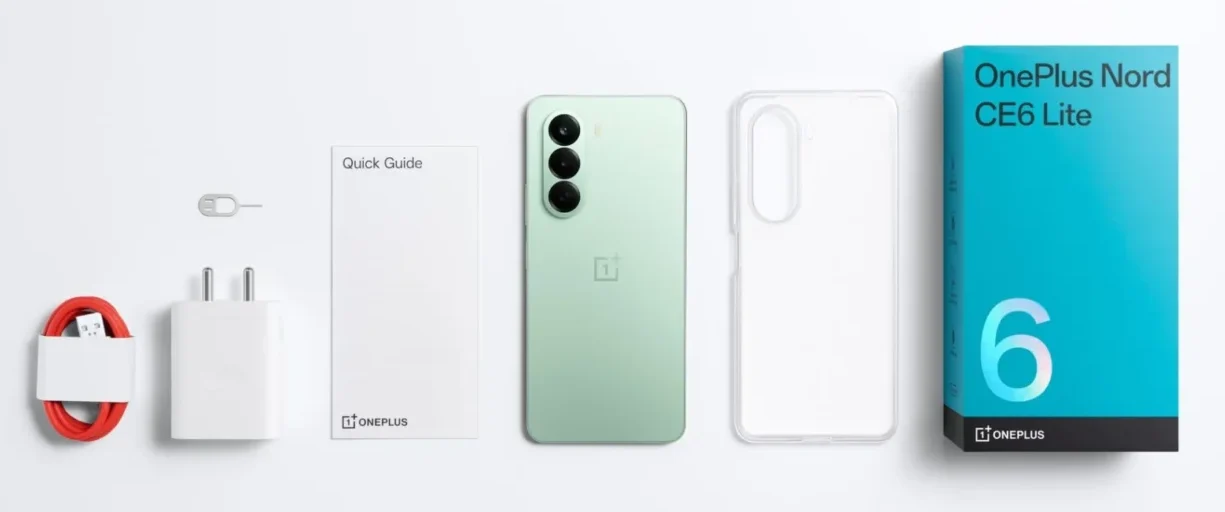
Accessories smell and look Original earphones, cables and adapters are packaged tightly and smell a certain way and Duplicate accessories often feel cheaper and flimsy
MRP sticker and invoice In India, every new phone should come with a proper GST invoice. If the seller is hesitant to provide one, that’s suspicious
Country of origin label If the box says “Made for USA” or has a foreign country’s warranty card inside, you might be looking at a grey market import not an Indian retail unit
Step 5 — Use the Phone’s Built-in Diagnostic Tools
Your phone will literally tell you if something’s wrong if you know where to look.
For iPhones:
Go to Settings → General → About
Check if it says “Genuine Apple Display” if not the screen has been replaced
On iOS 15.2+, go to Settings → Privacy → Analytics & Improvements → Analytics Data to look for crash logs. Lots of old crash logs = previously used device
For Android (Samsung, OnePlus, Realme, etc.):
Dial ##4636##! opens a hidden testing menu showing battery stats, usage stats, and more
Dial ##0## on Samsung! runs a full hardware test (touch, display, camera, speakers)
Check battery health: Go to Settings → Battery → Battery Health (or use apps like AccuBattery). A brand-new phone has 100% battery health. Anything below 95% suggests usage.
On any Android, check “Usage Time”:
Go to Settings → Digital Wellbeing → Screen Time or Dashboard! If there’s months of usage history that phone has been used, period.
Step 6 — Verify with the Brand’s Official Channel
This is underused but incredibly powerful.
Most major brands in India have official customer care numbers and WhatsApp support. Just call or message them with the IMEI number and ask:
“Has this device been registered for warranty before?”
“Is this device’s warranty status active?”
“Was this device ever reported as returned or defective?”
Brand contacts:
Apple India: 000800 040 1966
Samsung India: 1800-5-7267864
OnePlus India: 1800-102-8411
Realme India: 1800-102-4041
A simple call can save you ₹20,000–₹80,000! Make it.
Step 7 — Check for Software Clues
Sometimes, the software gives it all away.
Previous accounts: Is someone’s Google account or Apple ID still logged in? Or has the phone been suspiciously factory reset right before showing it to you?
Google/Find My iPhone activation: On iPhones, if activation lock was previously set, it may still cause issues
System update date: Go to Settings → Software Update! If the phone shows it last updated 6 months ago, it wasn’t sitting in a warehouse someone was using it
App leftovers: Sometimes even after a factory reset certain apps or folders leave traces in the file manager
Red Flags Summary — Quick Checklist
Red FlagWhat It MeansIMEI mismatch on box vs phoneSwapped unit or tampered deviceWarranty already partially usedPhone was activated beforeNo GST invoiceGrey market or suspicious sourceScratches under bright lightPreviously usedBattery health below 95%Significant past usageMisaligned bottom screws (iPhone)Repaired/opened beforeUsage history in Digital WellbeingDefinitely used beforeSeller refuses to let you checkClassic scam behaviour
Trusted Platforms for Buying Refurbished Phones in India (If You Still Want One)
If you’re okay with a refurbished phone! which is totally fine! buy from certified sellers:
Cashify India’s largest certified refurbished marketplace, graded A/B/C
Togofogo Strong warranty and return policies
Amazon Renewed Amazon’s own certified refurbished program with 1-year warranty
Flipkart 2GUD Flipkart’s refurbished store
Apple India (Certified Refurbished) Only available on Apple’s website; these are as close to new as it gets
Avoid buying refurbished phones from: random Facebook Marketplace sellers, unverified OLX listings, roadside mobile shops, or anyone who can’t provide an invoice.
Suggestions & Specs to Keep in Mind
When evaluating a refurbished phone, also check:
RAM & Storage Use a storage benchmarking app to verify actual space matches specs
Network bands Ensure the phone supports Indian 4G/5G bands (B3, B28, B40 for Jio/Airtel)
Charging speed Test with original charger; degraded charging circuits are common in refurbished units
Speaker & mic quality Call someone and test both sides
Camera output Take a test photo in a well-lit area and a low-light area
Heating behaviour Run the phone hard for 10 minutes (stream a video, open apps). Unusual heat = potential battery or chip issue
Display uniformity Open a plain white image and check for yellowish patches, dead pixels or backlight bleed
FAQs: How to Check If Phone Is Refurbished in India
Q1. Is buying a refurbished phone legal in India?
Absolutely!. Buying and selling refurbished phones is completely legal in India and the issue only arises when a seller misrepresents a refurbished phone as new.
Q2 What does Grade A refurbished mean?
Grade A refurbished phones are devices in near-perfect condition minimal or no signs of use/fully functional and usually with some warranty and It’s the highest quality tier in the refurbished market.
Q3. Can I check if an iPhone is refurbished using just the serial number?
Yes! Visit checkcoverage.apple.com. Enter the serial number and it’ll show the warranty start date coverage status and whether it’s a genuine Apple device.
Q4 What is CEIR and how does it help?
CEIR stands for Central Equipment Identity Register a Government of India initiative under DoT. It maintains a national database of all mobile devices and You can use ceir.gov.in to check if a phone’s IMEI is blacklisted blocked or reported stolen.
Q5. Does factory reset erase all proof of previous use?
Mostly, but not entirely! Screen time data/crash logs/battery cycle count and IMEI registration history survive a factory reset in various ways.
Q6. Are refurbished phones on Amazon or Flipkart safe to buy?!
Platforms like Amazon Renewed and Flipkart 2GUD have strict quality checks and come with return policies and warranties making them significantly safer than individual sellers!
Q7. Can a phone have original packaging and still be refurbished?!
Yes! and this is how the most sophisticated scams work and Scammers sometimes repackage refurbished phones in replica or original boxes and Always check IMEI, warranty dates and battery health regardless of packaging!
Q8. What should I do if I realise I’ve been sold a refurbished phone as new?
First, contact the seller immediately! If they refuse to help file a complaint on the National Consumer Helpline (1915) or the Consumer Disputes Redressal Commission. You can also report on consumerhelpline.gov.in.
Conclusion
Here’s the truth India’s smartphone market is brilliant, buzzing, and full of deals. But it’s also full of people who’d happily sell you a polished, repackaged, two-year-old phone with a straight face and a fake smile.
The good news? You’re not powerless. With a ₹0 investment and 15 minutes of careful checking you can spot a refurbished phone being passed off as new every single time! Check the IMEI/Verify the warranty date/Inspect the screws/Test the battery/Call the brand/Trust your gut.
Whether you end up buying a shiny new device or a genuinely good certified refurbished one at least make sure it’s your choice made with full information.
Because in India being a smart buyer isn’t optional it’s a survival skill.
Found this helpful? Share it with a friend who’s about to buy a second-hand phone and You might just save them from a very expensive mistake.