



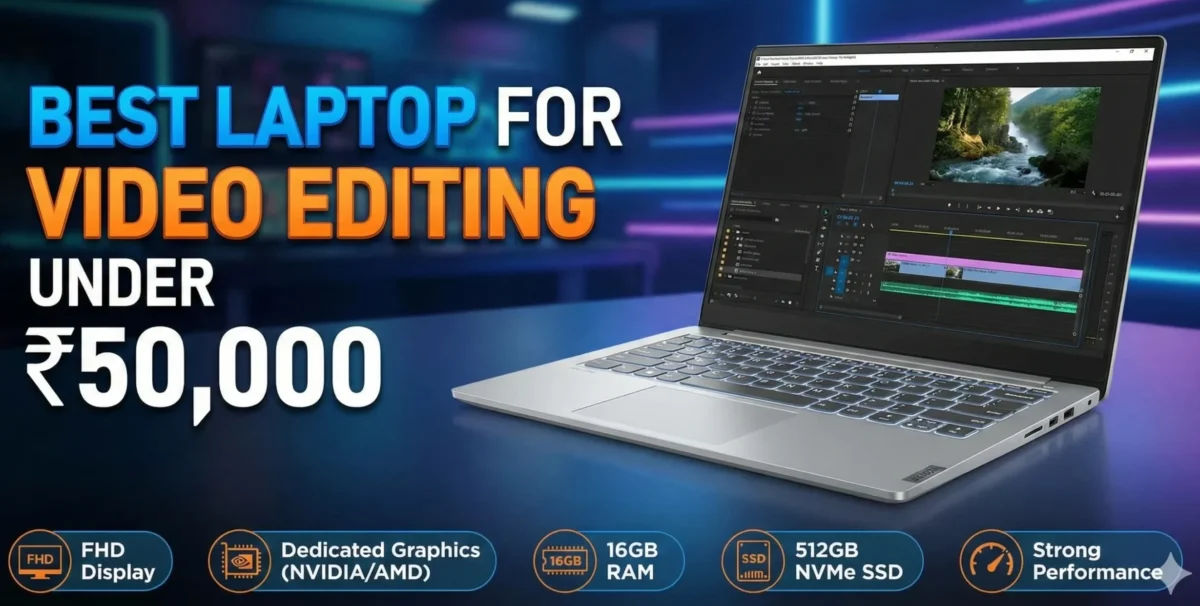
Best Laptop for Video Editing Under 50,000 is a popular search because video editing is one of the most demanding everyday tasks you can ask from a laptop Smooth scrubbing fast exports and stable preview playback depend on CPU power RAM storage speed and sometimes a dedicated GPU
But you don’t always need a 1,50,000 workstation to edit short films YouTube videos or social content In 2025 the market has several sensible options under 50,000 that give surprising value for creators who know what to look for This guide walks you through the best choices what to prioritize and how to squeeze the most editing performance from a budget machine.
Quick summary Top picks under 50,000 what to expect
If your budget is 50,000 expect laptops that typically offer:
- Modern mid-range processors recent AMD Ryzen 5 series or Intel Core i3/i5 U-series
- 8/16 GB RAM often configurable or user upgradeable
- 256 512 GB SSD storage NVMe preferred
- Full HD 1920/1080 displays usually IPS
- Integrated GPUs that are fine for light editing a few models come with entry level discrete GPUs in sale configurations
Several dependable models available in India and commonly recommended for editing at this price include the Acer Aspire line Lenovo IdeaPad Slim 3 series and HP 15s family all of which offer the right mix of CPU RAM and fast SSD storage when you pick the right variant.
Why these specs matter for video editing simple no nonsense
CPU processor:
Video editing software leans heavily on multi core CPU performance during rendering and export Prioritize the highest core count and higher clocked CPU you can get in the budget. Recent Ryzen 5 mobile chips or Intel Core i5 U series give the best balance under 50k.
RAM:
8 GB is the bare minimum 16 GB gives you a real comfort zone for editing 1080p timelines with multiple layers If a laptop ships with 8 GB but supports 16 GB thats an upgrade path worth using.
Storage:
An NVMe SSD makes a dramatic difference in responsiveness project load times cache writes and exports Aim for 512 GB NVMe if possible if not a 256 GB NVMe external SSD strategy works.
Display:
Accurate color and good brightness help when color-grading Full HD IPS panels are standard at this price consider external calibration or an external monitor for serious color work.
GPU:
Discrete GPUs are rare at 50k but integrated GPUs on modern Ryzen chips do a decent job accelerating some effects and previews.
These priorities help you pick a machine that remains usable for editing not just for playbacks
In depth pick Acer Aspire Aspire Lite best all round value
Acer’s Aspire line often delivers the best combination of CPU options and SSD capacity for the price In recent retail listings you can find Ryzen 5 equipped Aspire variants with 16 GB RAM and 512 GB NVMe SSD within or well under 50,000 during sales configurations that are very well-suited to 1080p editing and quick exports The Acer Smart Choice Aspire Lite series for example is frequently available at aggressive prices with Ryzen 5 and 16 GB RAM options.
Why choose it:
Good CPU and RAM baseline NVMe SSD usually good thermal design and a roomy keyboard for long editing sessions.
Shortcomings:
Display quality varies by SKU check brightness and color coverage if you do color-critical work.
Best use case:
YouTube creators and short form editors working in 1080p who need snappy editing performance without spending more.
Budget performer Lenovo IdeaPad Slim 3 balanced and upgradeable
Lenovos IdeaPad Slim 3 line often offers thin light designs with Ryzen 5 or Ryzen 7 options and user upgradeable RAM slots The series is attractive because you can buy a base SKU often under 50k and upgrade RAM to 16 GB yourself giving you a machine that behaves like a pricier one for editing tasks Lenovos product pages list configurations with up to Ryzen 7 and 16 GB in pricier SKUs but even the mid range Ryzen 5 SKUs are solid value for editing workflows once upgraded.
Why choose it:
Slim design upgrade path consistent build quality.
Shortcomings:
Stock displays can be average thermal throttling is possible under sustained export loads if the cooling is basic.
Best use case:
Editors who want a portable machine with a clear upgrade path add RAM and storage later.
Best Laptop for Video Editing Under 50,000 Reliable mainstream HP 15s family
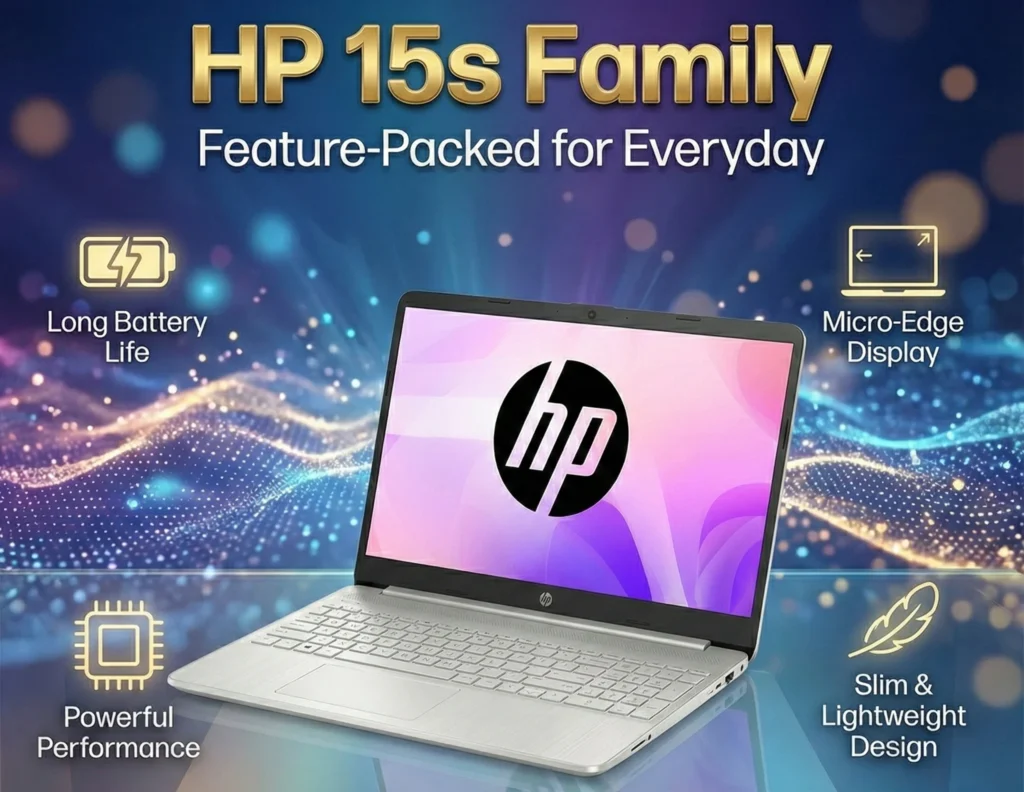
The HP 15s series historically ships in many configuration variants that suit budget editing from older Ryzen 5 3500U models to more recent Ryzen 5 7000-series U chips These are available across major e commerce platforms at competitive pricing and certain SKUs include 16 GB RAM and 512 GB SSD within the 50k bracket during promotions The HP 15s is a practical pick for those seeking a no frills laptop that can handle a typical video editing pipeline.
Why choose it:
Wide availability often the best after sales service network reliable hardware for general editing.
Shortcomings:
Cooler and display quality vary by SKU.
How to choose between similar models 5 step checklist
- Pick CPU first:Prefer Ryzen 5 5000/6000/7000 series mobile or Intel Core i5 11th gen U series or newer over older dual core chips.
- Max out RAM:If the laptop ships with 8 GB but has a free slot plan to upgrade to 16 GB immediately RAM yields the biggest real world improvement for editing after switching to an SSD.
- Choose NVMe SSD:Avoid SATA only SSDs if you can NVMe is significantly faster.
- Check display specs:FHD 1920×1080 IPS with at least 250 300 nits is preferred If you need accurate color factor in an external calibrated monitor.
- Service/warranty: For heavy tasks longer warranty and easy service access matter check HP Lenovo and Acer service centers in your city.
Following this checklist will keep you out of common budget traps.
Real-world editing workflow on a 50k laptop how to optimize
Even on capable budget laptops editing efficiency comes from workflow choices:
- Proxy workflows: Use low-resolution proxy files 720p while editing relink to 1080p for final export This reduces timeline lag.
- Keep cache on SSD: Set your editing software’s cache or temp location to the internal NVMe SSD for faster scrubbing and rendering of previews.
- External SSD for archives: Use a portable NVMe SSD for storing raw footage and completed projects to avoid filling the internal drive.
- Optimize export settings: Exports can be tuned choose hardware acceleration if your software supports it Intel Quick Sync or AMD VCE and AMF where available.
- Background tasks off:Close browsers and heavy apps while exporting to free CPU and RAM.
These practical tips let a mid range laptop handle 1080p or light 4K workflows smoothly.
Accessories and upgrades to buy with the laptop
- Additional 8/16 GB RAM stick if you have 8 GB now biggest single improvement for editing.
- 500 GB or 1 TB NVMe external SSD for footage and scratch disk.
- Laptop cooling pad helps sustained export sessions.
- External monitor FHD/IPS for better color and larger timeline space.
- USB C hub/card reader for fast media ingest.
Investing in one or two of these will noticeably improve your editing experience.
Safety nets what compromises to accept
If you need to keep the price under 50k accept these trade offs:
- You will likely be editing 1080p most of the time rather than heavy 4K timelines.
- Color critical grading and professional color workflows require an external monitor or calibration.
- Heavy multi-camera 4K projects will be slower use proxy workflows or an external faster workstation for final exports.
These compromises are realistic and keep expectations aligned with the hardware.
Short reviews recommended SKUs to look for examples you can search
- Acer Aspire Ryzen 5, 16 GB, 512 GB NVMe Great all around value during sales fast NVMe and healthy RAM in some SKUs.
- Lenovo IdeaPad Slim 3 Ryzen 5 8 GB default upgrade to 16 GB Slim upgrade friendly good balance of price and performance.
- HP 15s Ryzen 5 variants with 16 GB/512 GB during deals Reliable service and steady performance for entry-level content creation.
When shopping read the exact model number and check whether RAM is soldered or user upgradeable that detail changes the long term value considerably.
How to validate a product listing quick checklist when buying online
- Confirm CPU model exact part number Ryzen 5 5625U vs 5500U.
- Check RAM configuration 8 GB single vs 8 GB and empty slot.
- Verify SSD type NVMe PCIe vs SATA
- Read recent user reviews mentioning thermal throttling or screen issues.
- Compare prices across Flipkart/Amazon and the manufacturer site festive sale deals often make big differences this handful of checks prevents buying weaker SKUs that use the same name.
Final verdict best practical strategy under 50,000
If your goal is real world reliable video editing on a tight budget:
- Target a Ryzen 5 or recent Intel Core i5 SKU with NVMe SSD.
- Make 16 GB RAM your upgrade goal either factory or aftermarket.
- Favor models with clear upgradeability spare RAM slots M2 slot Lenovo IdeaPad Slim 3 and some Acer Aspire SKUs are good examples.
With the right model and a couple of upgrades RAM and possibly external storage a 50,000 laptop becomes an effective editing workstation for most creators working in 1080p and occasional 4K.
Sources further reading
Selected sources used to verify availability popular SKUs and buying advice Bajaj Finservs buyer guide for budget editing laptops Acer product listings for Aspire Lite Lenovo IdeaPad official pages and retail listings that demonstrate pricing and configuration options For example recent roundups and retail pages showing Ryzen 5 Aspire and IdeaPad options.
Frequently Asked Questions (FAQs)
1. Is a laptop under 50,000 really enough for video editing?
Yes a well chosen laptop under 50,000 can handle basic to moderate video editing tasks comfortably You can work on 1080p timelines trim clips add transitions colour correct and export videos without major issues However for heavy 4K editing multi layer projects or advanced colour grading you may feel the limitations.
2. What is the most important specification for video editing at this budget?
The most important components are the processor CPU RAM and SSD storage A strong CPU affects rendering and timeline performance RAM ensures smooth multitasking and an SSD helps with fast loading and exporting of large video files.
3. How much RAM is required for video editing?
For laptops under 50,000:
8 GB RAM is the minimum requirement for editing 1080p footage.
16 GB RAM if the laptop supports upgrades gives noticeably smoother performance and is ideal for regular editors.
4. Can these laptops handle 4K video editing?
They can handle basic 4K editing such as trimming or cutting but playback and rendering may be slow For smoother 4K workflows consider using proxy editing or working initially in a 1080p timeline.
5. Do I need a dedicated graphics card for video editing?
Not necessarily.
While a dedicated GPU improves performance most laptops under 50,000 use integrated graphics. Modern integrated GPUs with a good CPU and SSD can still handle everyday editing tasks.
If you plan to work with heavy effects or motion graphics a higher budget laptop with a dedicated GPU is recommended.
6. Which processor is better for editing: Intel or Ryzen?
Both work well but Ryzen 5 processors generally provide better multi core performance at this price which helps in rendering and encoding Intel Core i5 models also perform well but may cost slightly more in this budget.
7. Is SSD better than HDD for video editing?
Yes an SSD is strongly recommended It drastically improves:
File loading speed
App launch time
Rendering and exporting performance
Videos stutter much less when edited from SSD storage compared to HDD.
8. How much storage do I need for editing videos?
Aim for at least 512 GB SSD Video files especially 1080p 4K take up a lot of space. You can also pair the laptop with an external HDD SSD to store raw footage.
9. What screen size is best for editing?
A 15.6 inch Full HD IPS display is ideal because it provides more viewing area for timelines colour grading and details IPS panels also offer better colour accuracy and viewing angles.
10. Will the laptop heat up during editing?
Video editing generates heat especially during exporting Budget laptops may get warm under sustained load which is normal.
To manage thermals edit in a cool environment and consider using a laptop cooling pad for long sessions.
11. Can these laptops run DaVinci Resolve or Adobe Premiere Pro?
Yes they can run both but performance depends on the CPU RAM and storage.
For smoother performance:
Use DaVinci Resolve for colour focused editing
Use Adobe Premiere Pro for timeline heavy projects
Proxy workflows help reduce lag.
12. Can I upgrade RAM or storage later?
Most laptops under 50,000 allow RAM expansion or SSD upgrades but this varies by model Always check whether the laptop has an additional slot or supports higher configurations before buying.
13. How long will a budget editing laptop last?
With proper care and occasional upgrades a 50,000 editing laptop can last 3 5 years for regular editing tasks Heavy users may outgrow the performance earlier.
14. Should I choose a bigger battery or better performance?
For video editing performance matters more than battery life Editing drains battery quickly so you’ll often be connected to power Prioritise a strong CPU RAM and SSD over battery.
15. Is a gaming laptop better for video editing?
Yes gaming laptops generally offer stronger GPUs and better thermals but they usually start above 60,000 If your budget allows a gaming laptop is superior for heavy editing workloads.
16. Can I edit YouTube videos easily on a 50k laptop?
Absolutely. For YouTube creators editing vlogs talking head videos B roll or short content a 50,000 laptop is more than capable of getting the job done.
17. Which operating system is better for editing Windows or macOS?
Under 50,000 macOS laptops are extremely rare Most creators use Windows laptops in this price bracket and they are fully compatible with major editing apps. If you prefer macOS you would need a higher budget.
18. How can I speed up video editing on a budget laptop?
Use proxy files for smoother playback
Close unnecessary background apps
Edit from an SSD not HDD
Keep at least 20 percent storage free
Stick to a 1080p timeline for complex projects
Keep your editing software updated
19. Which is better A 14 inch or 15.6 inch laptop for editing?
A 15.6 inch laptop is better because of the larger screen space which makes timeline navigation and colour work easier A 14 inch laptop is more portable but tighter for editing.
20. Should I expect colour accurate editing from a 50,000 laptop?
Displays in this budget are decent but not professional grade.
They are fine for general editing but for serious colour grading use an external colour accurate monitor.